
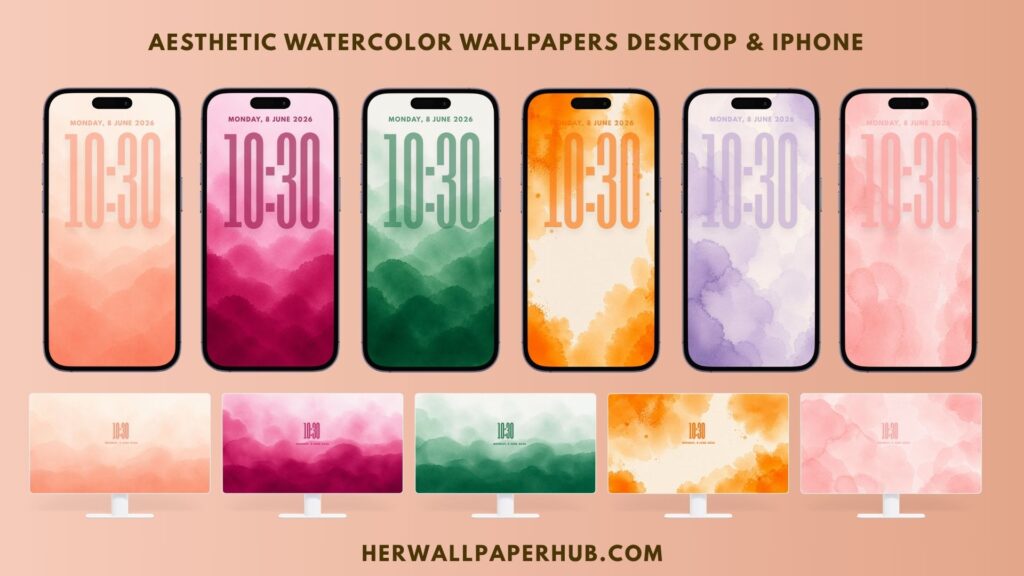
Phone
Our mobile wallpapers are designed to look beautiful on almost every smartphone. Each wallpaper is created in high resolution to ensure sharp details, vibrant colors, and excellent quality on both Android and iPhone devices.
Device Compatibility
Our wallpapers support:
- Apple iPhone (All Models)
- Samsung Galaxy
- Google Pixel
- OnePlus
- Xiaomi
- Redmi
- POCO
- Motorola
- Oppo
- Vivo
- Realme
- Huawei
- Honor
- Nokia
- Sony Xperia
- ASUS Zenfone
- Nothing Phone
- Most Android smartphones
Whether you use the latest flagship phone or an older device, our wallpapers automatically scale to fit your screen while maintaining excellent image quality.
Wallpaper Quality
- High Resolution
- 4K Ultra HD Quality
- Crisp Details
- Optimized for OLED and LCD Displays
- Perfect for Portrait Orientation
- Suitable for Lock Screen and Home Screen
How to Set a Wallpaper on iPhone
- Download your favorite wallpaper.
- Open the Photos app.
- Select the downloaded wallpaper.
- Tap the Share button.
- Choose Use as Wallpaper.
- Adjust the image if needed.
- Tap Add.
- Select one of the following:
- Set as Lock Screen
- Set as Home Screen
- Set as Wallpaper Pair
Your wallpaper is now ready to enjoy.
How to Set a Wallpaper on Android
- Download the wallpaper.
- Open the Gallery or Photos app.
- Select the downloaded image.
- Tap the three-dot menu or Set as Wallpaper.
- Choose where you want to use it:
- Home Screen
- Lock Screen
- Both Home and Lock Screen
- Adjust the position if necessary.
- Tap Apply or Set Wallpaper.
Best Viewing Experience
For the best results:
- Use your screen’s native resolution.
- Enable high display quality if available.
- Avoid excessive zooming.
- Download the highest available resolution.
Need Help?
If you experience any issues downloading or applying your wallpaper, feel free to contact us. We’re always happy to help.
Desktop
Our desktop wallpapers are carefully designed for modern computers, laptops, and external monitors. Every wallpaper is available in high resolution, delivering sharp visuals and vibrant colors across a wide range of screen sizes.
Compatible Devices
Our desktop wallpapers support:
Windows PCs
- Windows 11
- Windows 10
- Windows 8.1
- Windows 7
Apple Computers
- iMac
- Mac Studio
- Mac mini
- MacBook Air
- MacBook Pro
Linux
Compatible with most Linux desktop environments including Ubuntu, Fedora, Debian, Linux Mint, Pop!_OS, Arch Linux, and more.
Display Support
Perfect for:
- Desktop Computers
- Laptops
- Gaming PCs
- Ultrawide Monitors
- External Displays
- Retina Displays
- 4K Monitors
- 5K Displays
Wallpaper Quality
- 4K Ultra HD
- Crystal Clear Images
- High Resolution
- Optimized Color Accuracy
- Perfect for 16:9 Displays
- Suitable for Multiple Screen Sizes
How to Set Wallpaper on Windows
- Download your wallpaper.
- Locate the downloaded image.
- Right-click the image.
- Select Set as desktop background.
Alternatively:
- Open Settings.
- Go to Personalization.
- Select Background.
- Choose Picture.
- Browse and select your wallpaper.
How to Set Wallpaper on macOS
- Download the wallpaper.
- Open System Settings (or System Preferences on older macOS versions).
- Select Wallpaper.
- Click Add Photo.
- Choose the downloaded wallpaper.
- Select it as your desktop background.
Best Viewing Experience
For the best image quality:
- Download the highest available resolution.
- Match the wallpaper resolution with your monitor.
- Use the “Fill” display option when available.
- Enable your monitor’s native resolution.
Need Help?
If you have any questions about downloading or using our desktop wallpapers, please contact us. We’ll be happy to assist you.