
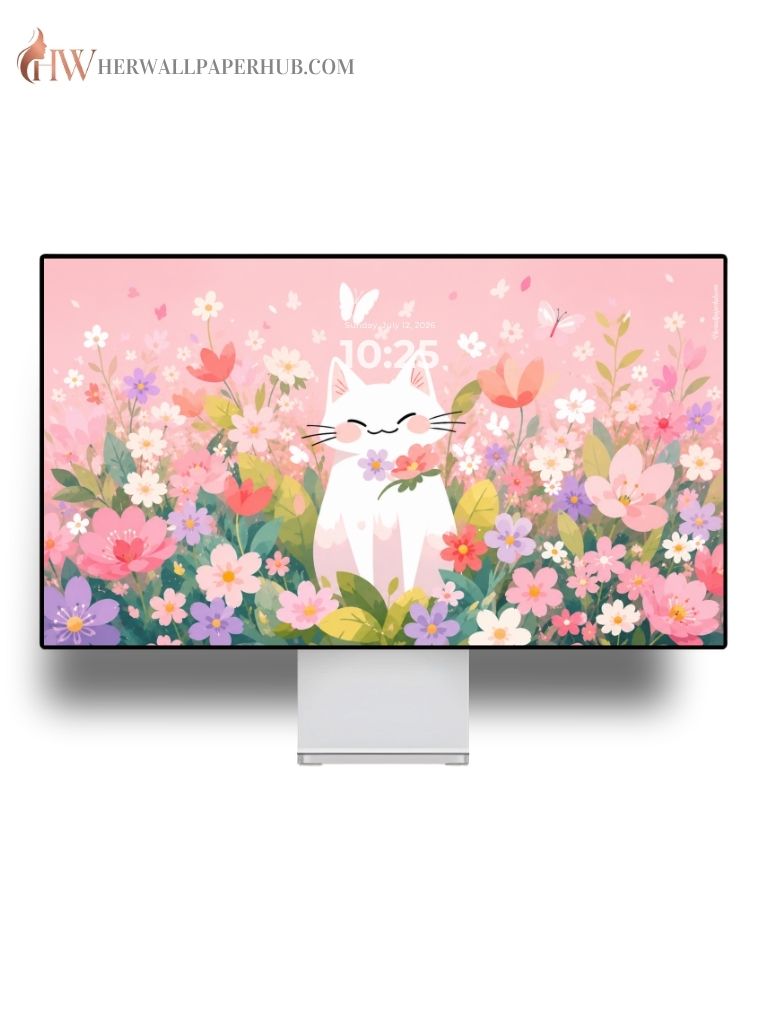



Our desktop wallpapers are carefully designed for modern computers, laptops, and external monitors. Every wallpaper is available in high resolution, delivering sharp visuals and vibrant colors across a wide range of screen sizes.
Compatible Devices
Our desktop wallpapers support:
Windows PCs
- Windows 11
- Windows 10
- Windows 8.1
- Windows 7
Apple Computers
- iMac
- Mac Studio
- Mac mini
- MacBook Air
- MacBook Pro
Linux
Compatible with most Linux desktop environments including Ubuntu, Fedora, Debian, Linux Mint, Pop!_OS, Arch Linux, and more.
Display Support
Perfect for:
- Desktop Computers
- Laptops
- Gaming PCs
- Ultrawide Monitors
- External Displays
- Retina Displays
- 4K Monitors
- 5K Displays
Wallpaper Quality
- 4K Ultra HD
- Crystal Clear Images
- High Resolution
- Optimized Color Accuracy
- Perfect for 16:9 Displays
- Suitable for Multiple Screen Sizes
How to Set Wallpaper on Windows
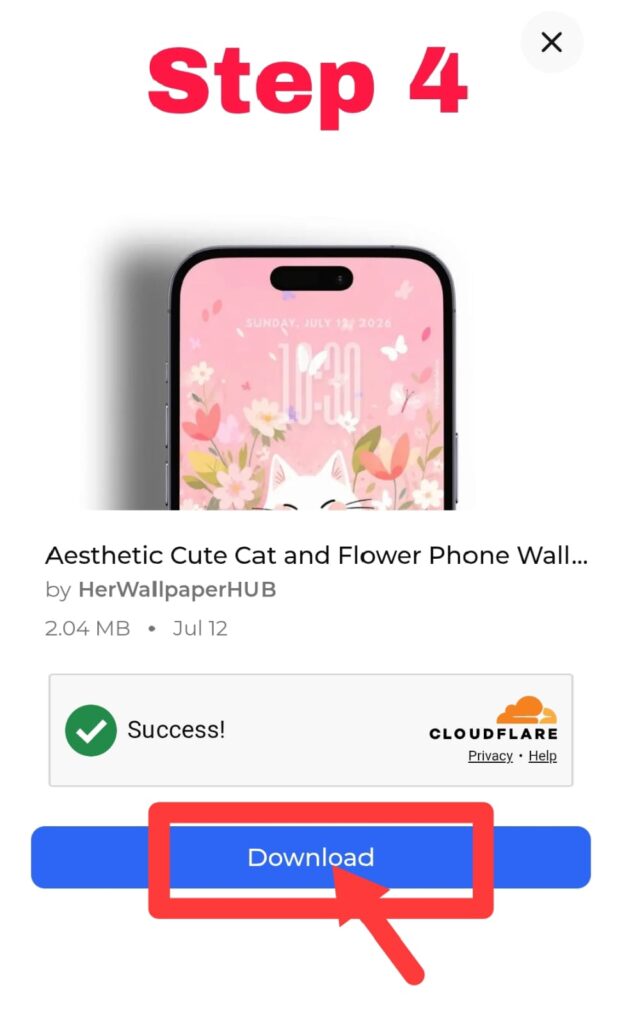
- Download your wallpaper.
- Locate the downloaded image.
- Right-click the image.
- Select Set as desktop background.
Alternatively:
- Open Settings.
- Go to Personalization.
- Select Background.
- Choose Picture.
- Browse and select your wallpaper.
How to Set Wallpaper on macOS
- Download the wallpaper.
- Open System Settings (or System Preferences on older macOS versions).
- Select Wallpaper.
- Click Add Photo.
- Choose the downloaded wallpaper.
- Select it as your desktop background.
Best Viewing Experience
For the best image quality:
- Download the highest available resolution.
- Match the wallpaper resolution with your monitor.
- Use the “Fill” display option when available.
- Enable your monitor’s native resolution.
Need Help?
If you have any questions about downloading or using our desktop wallpapers, please contact us. We’ll be happy to assist you.